In simple terms, the answer to the question "Is Genshin Impact cross-platform?" is yes, and this will continue into 2026. As of 2026, Genshin Impact is playable as crossplay and crossmore details than just “Yes”. Remember that while the title is available on all other major consoles (PC, PS5, Xbox Series X|S), as well as iOS and Android, PlayStation 4 support will end on April 8, 2020, with the game being launched in September 2020. PC and mobile have been able to support cross platform play since launch and Xbox has added their platform as part of Genshin’s continued expansion as a game.
Be aware that switching from platform-to-platform is easy with Genshin, with the addition of both mobile and PC, and the only remaining console missing out is Nintendo Switch. HoYoverse has not yet officially acknowledged that Genshin Impact will be made available for Nintendo Switch. This may have a lot to do with the fact that as Genshin Impact continues to grow in terms of file size and graphics requirements, the aging Tegra X1 chip that powers the Nintendo Switch will struggle to run a game with such large and complex assets.
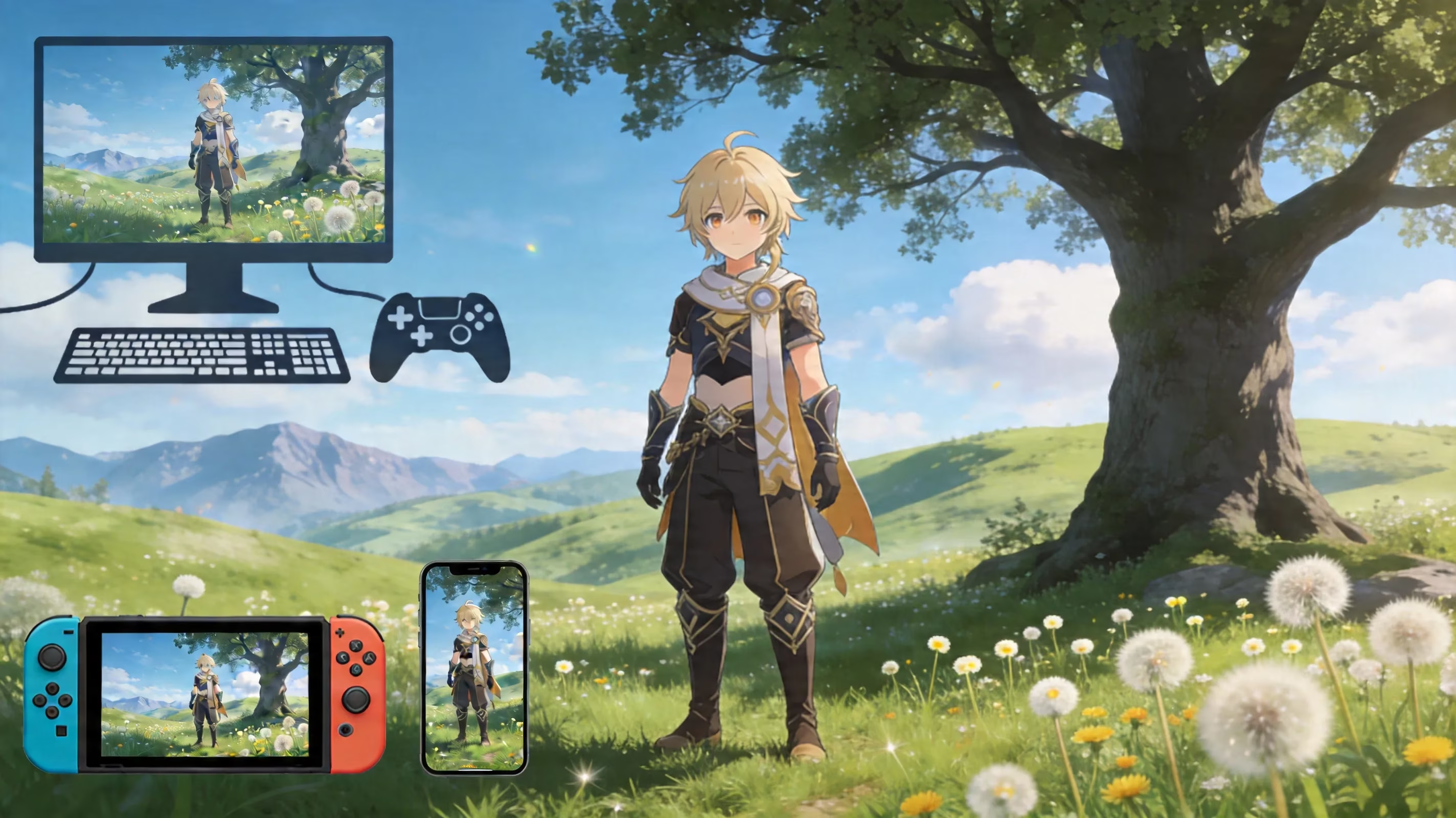
If you want to experience Genshin Impact on the Nintendo Switch, you can use cloud solutions such as Nvidia GeForce NOW or Xbox Cloud Gaming. Keep in mind that these are not native solutions; they are simply streaming options.
An additional thing to remember about playing Genshin Impact: The game requires an internet connection at all times. Whether you are playing solo, completing quests, or farming for artefacts, the game requires a stable internet connection at all times. All of your progress in Genshin Impact is stored on the game's server, and there is no offline mode for Genshin Impact.
| Platform | Native Support | Notes |
|---|---|---|
| PC (Windows) | ✅ Yes | Available via Genshin launcher and Steam |
| PS5 | ✅ Yes | Supports 4K at 60 FPS, with vibration feature of DualSense controller |
| PS4 | ❌ No | Server support ended on April 8th, 2026 |
| Xbox Series X | S | ✅ Yes |
| iOS | ✅ Yes | Offers full crossplay and cross-saves |
| Android | ✅ Yes | Offers full crossplay and cross-saves |
| Nintendo Switch | ❌ No | Cloud-only option available |
Rules of Genshin Impact's Crossplay System
Genshin Impact supports cross-play through co-op gameplay, but there are only a few rules governing how cross-play will work. The most important rule is that all players must be from the same server region. To play co-op mode, both players must be using the same regional server.
Currently, HoYoverse divides its user base into four regions: America, Europe, Asia, or TW/HK/MO. This means, for example, that if you’re playing on PC (in America), you won’t be able to connect with your friend on a mobile device (in Asia) even though the devices support all the same platforms. Since players choose their servers when they create an account and can only change the server of their account by starting over with a new one, this is one of the most crucial aspects of the game that you need to decide in the beginning.
Next, the second hurdle to co-op play is your Adventure Rank. Co-op mode unlocks at Adventure Rank 16, which takes most players between five to ten hours of serious initial playtime. Therefore, if you and your friends intend to play together, make sure you’ve both completed all of the beginning solo content before you can play together.
Once you are able to play co-op, your world can contain a maximum of four players at any time; however, the difficulty of your enemies is determined by the level of the host’s world. Thus the difficulty of the enemies will be different, depending on which player is playing as the host. Additionally, not all content in Genshin Impact can be played coop. The following content in Genshin Impact is designed to be single-player only:
-
Archon Quests
-
Character Story Quests
-
Daily Commissions
-
Spiral Abyss
However, a lot of grind-heavy content in Genshin Impact is designed for co-op play and provides the most benefit from crossplay capabilities. You can join up with other players for:
-
Domain
-
Open World Exploration
-
Ley Line Outcrop
-
Most World Bosses
Genshin Impact Cross Progression & Account Linking
The Cross Save feature in Genshin Impact works with your HoYoverse account (also referred to as HoYo Passport). If you log into your HoYoverse Account on multiple platforms all of your characters, weapons, artifacts, Primogems, Mora, Adventure Rank and story progress will carry over. It does feel seamless because after you finish your commissions on your mobile device you can switch to your PC and everything will have already been updated.
For both PC and mobile users this is relatively easy. You create an email-based HoYoverse account, sign into the HoYoverse on your device during initial launch and you are good to go.
Console users have a little more work to do. On both PS5 and Xbox Series X|S the first time you launch the game you will be given a prompt to connect your PSN or Microsoft account to your HoYoverse account. This is vital that if you play the game without linking to a current HoYoverse account the console may create a new profile that is not connected to your previous progress, so it will not be able to join with an earlier mobile or PC profile.
The console first launch trap is probably getting someone stuck in the situation more times than people should. You’ll want to be aware of this regarding console accounts linking to HoYoverse UIDs:
-
A console account can only link to one HoYoverse UID at a time
-
Once that account has been linked, it will remain linked to that UID indefinitely
-
You cannot re-link your console account to another existing UID after it has been linked to your first HoYoverse UID
-
HoYoverse does not support merging separate accounts from different saved data sources.
If you have previously played Genshin Impact on PC and/or mobile, the best way to link your Genshin Impact account to your new Xbox console is to log into your HoYoverse account before you begin playing the game. To do this, first open Genshin Impact, select the linking option before starting any gameplay; complete all prompts for setting up your Microsoft account; and then sign into your existing HoYoverse account.
To link a PSN account on a PS5, you will follow essentially the same process as described above for Xbox – go into the User Center (located in the Paimon Menu under Options), and connect your HoYoverse account with your PSN account, prior to performing any actions in-game.
An important currency distinction should also be noted: Genesis Crystals obtained through purchased using real money cannot be transferred to other consoles/platforms because they are associated with the specific store from which they were bought. Primogems, Mora, Acquaint Fates, and other items gained via earning do transfer as these resources are tied to your HoYoverse account, not a specific store/console platform.
How to Play Genshin Impact Cross-Platform with Friends
You will need to have each player’s UID if you want to play together across platforms. Every player’s UID is located at the bottom right corner when the user is playing. You may also obtain a friend’s UID via their profile on the Paimon Menu tab. Add Friends to Game After Exchanging User IDs
After exchanging User IDs, simply add your Friends through the Friends panel inside the game. Once you’ve received notice that they accepted your request, you may now proceed to play in the usual way.
Steps To Join Your Friends’ Game
-
Access your Friends List
-
Select the Friend you wish to join
-
Send Join Request
-
Wait for Host to accept your request
Hosts may also send out invites directly to will join them right away if all players are currently online.
When you play in another player’s game, you still will be using your own character and builds. However, your progression is tied mostly to the host’s world. This means what areas, domains and exploration have been opened by the host will determine what the group has access to.
Before entering another player’s world, you should be aware of the rules governing each host's world:
• A Visitor cannot advance their own Archon Quest progress while in another player’s world.
• A Visitor may collect materials.
• A Visitor may fight bosses and receive their own loot.
• A Visitor may run domains and receive their own rewards.
• If a Host has not completed an area or domain, the Visitor does not have access to complete it in their world.
Thus, in order for co-op to work fluidly, everyone involved must be around the same point in their game progression. Otherwise, at some point, you may find yourself blocked from continuing by the host’s world state.

Genshin Impact Cross-Platform Issues and Solutions
Cross platform functionality in Genshin is very good, but many people do still experience issues, and the most prevalent issue is the server mismatch. It is a possibility for 2 people to both have each other added as friends, but be unable to connect because they are not on the same region server.
To fix this, simply verify that both players have logged in to the same regional server when they logged in. As an example of how not to use a HoYoverse account for both players, if they are logged in to different active servers they will still not have ‘added’ each other as suggested.
Another issue is that sometimes, when switching devices quickly, the progress of each player will not sync or transfer to the new device. If this occurs, it is recommended to fully exit the game by using the ‘exit’ option on the main menu instead of force closing it and waiting at least 2 minutes before logging in on a second device. This will usually permit either session data or progress in the game to be saved to the active server in adequate time.
The issue with premium currency (Genesis Crystals) is, if you purchase these on any one (1) platform you will not see that amount of currency reflected on the other platforms. The only way around this is to utilize the Genesis Crystals you purchase on one (1) platform within the same platform you purchased them on before switching to the other platform. The conversion of Genesis Crystals to Primogems only occurs once they are used and will sync across all platforms.
For Xbox users, there is one (1) annoyance that other platforms do not have as it does not provide a straightforward in-game logout option to exit HoYoverse prior to switching user accounts, to use a workaround for switching accounts on Xbox, follow these steps:
-
Go to the HoYoverse account management portal on another device and revoke your active session.
-
Then log into the HoYoverse account you wish to use on Xbox and play.
With the above method you will be able to log into your secondary account on the Xbox platform without any issues. Steps to fully quit Genshin Impact on the Xbox and re-login:
-
Using the Guide menu on your Xbox, fully quit out of Genshin Impact by pressing Quit.
-
Restart the game.
-
Log back in when prompted for new account authentication.
It is important to fully quit the game. If you just suspend the app, Xbox may continue to load cached data from your old session.
FAQs about Cross-Platform Play in Genshin Impact
Cross-Platform Play / Cross-Play
If I play on a PC, can I co-op with a PSN player?
Yes. As long as both players are on the same region server and both have achieved Adventure Rank 16 or higher, a PC user may play with a PS5 user in co-op mode. The platform itself does not prevent co-op play from occurring.
Can iOS and Android players co-op with Xbox players?
Yes. Players on iOS and Android mobile devices may co-op with Xbox Series X|S players as long as all players are on the same server. Matchmaking is treated the same, regardless of which device you are using.
Will my account work on every platform?
For the most part, yes. One HoYoverse account will allow you to access your characters, story progression, Primogems and all other account data across all available platforms (PC, Mobile, and Console). The main caveat is linking your Console account -- PSN and Xbox accounts can only link to 1 HoYoverse UID, and that linkage is permanent. Therefore, if you want to use your existing HoYoverse account on a new Console, make sure you link your account when you set up your new Console before you create any new gameplay data. Cross-save
Are characters, Primogems, and story progress transferable between platforms?
- Yes. All characters, story chapters completed, unlocked regions, Adventure Rank, and earned currency will follow you to your HoYoverse Account. For instance, if you've completed a quest line on PC, it will still be considered completed when you log into your mobile or console account.
Do Genesis Crystals transfer?
- No, Genesis Crystals purchased through the PlayStation Store, Microsoft Store, or Apple App Store remain tied to that platform due to storefront policies. However, any purchases made of Genesis Crystals, including the conversion to Primogems or using them on wishes, will be available on your other platforms once used. The best way to ensure this happens is to use your purchased crystals on the same platform.
Is it possible to switch to another platform without losing your account?
- It is possible to use a different platform but be very careful setting up the account. You will be able to continue your existing progress and HoYoverse account if you switch. You can create a separate account if you want to start fresh. The risk will come from consoles once you have linked a console account to your HoYoverse UID because changing this later is limited and generally requires support intervention to reverse.
Conclusion
Looking at the top performance and visual quality for the game Genshin Impact in 2026, playing on PC will remain the best overall option, providing frame rates above 60fps and more detailed graphics settings than any other hardware. The strongest option for console gaming is the PlayStation 5 console, which can provide 4K at 60fps and is DualSense compatible. Mobile devices are likely the most flexible option and preferred by those looking to complete commissions, events, or quick farming sessions while away from home. Xbox Series X|S is also a very strong option if deeply invested into the Microsoft ecosystem.
The best way to ensure you do not run into any issues with your account is to create a HoYoverse account first through your email before connecting your consoles to the account during initial sign in before you start any new progress. This single step will allow you to avoid making the biggest mistake concerning cross-save in the game.
Therefore, is genshin impact cross platform in 2026? Absolutely. You will have crossplay and cross-progression across platforms; PC, PS5, Xbox Series X|S, iOS, and Android. The two biggest obstacles will be server region mismatches and Genesis Crystals tied to the platform of the purchase. Other than those two, Genshin Impact has one of the easiest games to utilize cross-platform support in an open-world live service RPG; you can keep your same Traveler character ongoing across different devices without disruption.